Guide ·
Contractor Invoice Template in Excel: What to Include So You Get Paid
A contractor invoice is not just a total. It is the record that gets you paid on time and settles arguments about extras. Here is what to put on it.
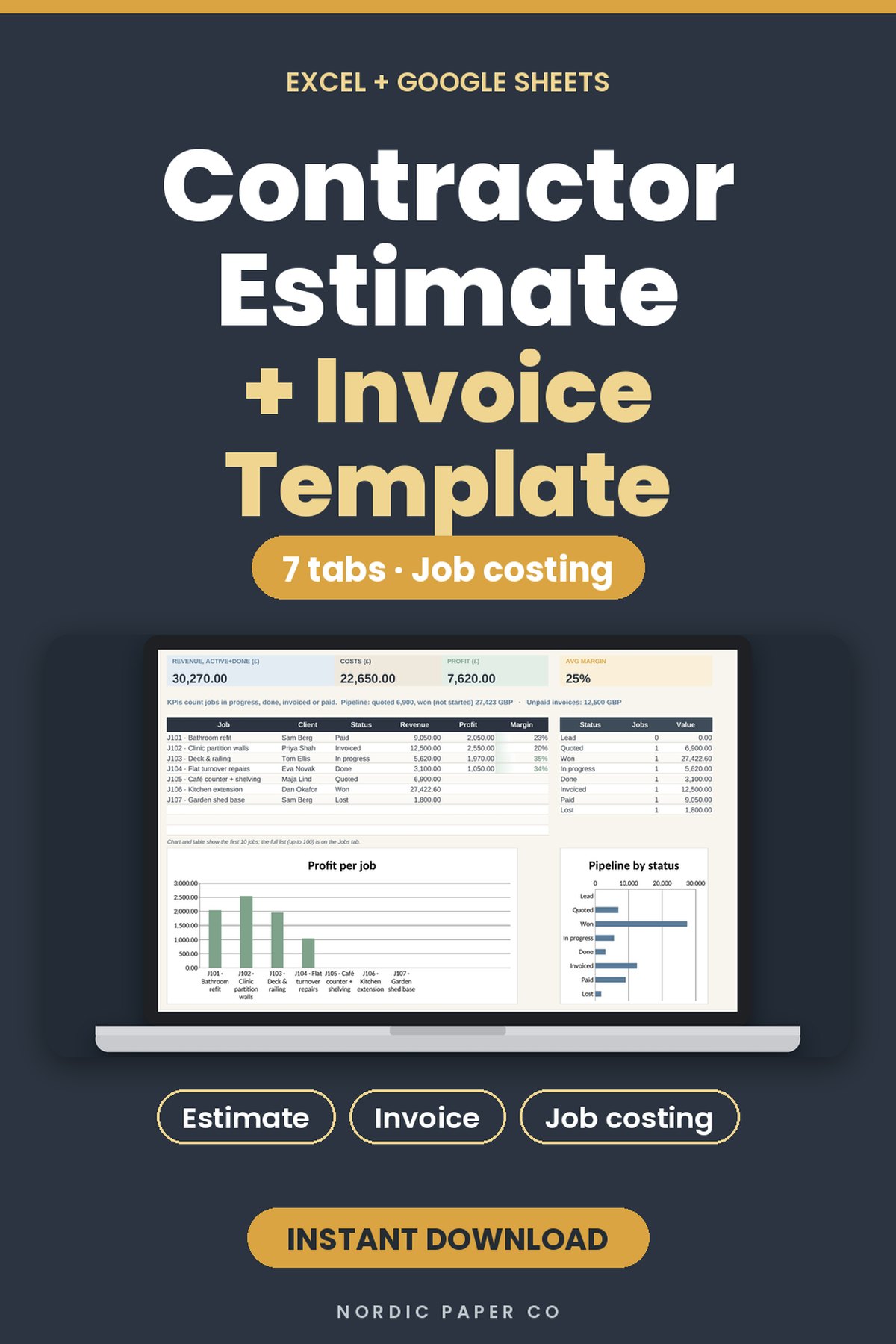
Plenty of free invoice templates exist. Most are made for freelancers, not for builders, so they miss the things that cause payment fights on a job site: the original estimate, the signed extras, and money held back as retainage.
The 12 fields every contractor invoice needs
- Your business name, address, phone and license or registration number.
- The client's name and the job address (not just the billing address).
- A unique invoice number and the invoice date.
- The estimate or contract number the invoice belongs to.
- Line items: description, quantity, unit, unit price, line total.
- Labor and materials shown separately, if your contract says so.
- Approved change orders, each with its own number.
- Subtotal, tax and the invoice total.
- Payments already received and the balance due.
- Retainage held back, if the contract has it.
- Payment terms and the due date (for example "Net 14").
- How to pay: bank details, card link or check address.
If any of 4, 7, 9 or 10 are missing, the client has a reason to wait.
Build the invoice from the estimate
Typing the invoice from scratch is where mistakes happen. Keep the estimate and the invoice in the same workbook, so the approved estimate lines flow into the invoice and only the changes need typing. The Contractor Estimate & Invoice Template for Excel and Google Sheets does this: a quote builder with markup and tax, an invoice that fills itself from the quote, change orders, and a profit margin dashboard. It has US, UK and EU wording.
Get extras signed before you build them
The most common unpaid amount on a job is the "while you're here" extra. Write a numbered change order with the cost, the new contract sum and the new completion date, and get it signed before the work starts. The Construction Change Order Form & Log prints a signable form and keeps a running log.
Track retainage and subcontractor payments
If you run subs, your invoice to the client and your payments to subs have to match. A Subcontractor Payment Tracker keeps pay applications, retainage, lien waivers, W-9s and insurance in one place.
Know what the job actually made
An invoice says what you billed, not what you kept. Log income, expenses and mileage per job in a Contractor Bookkeeping Spreadsheet, and log crew hours in a Contractor Timesheet so labor cost is real, not guessed.
Excel or Google Sheets?
Excel works offline and is what most accountants expect. Google Sheets is easier when the office and the truck both need the file. All the templates above open in both, with no subscription.
Files mentioned in this guide
Contractor Estimate & Invoice Template: Job Costing Spreadsheet for Excel & Google Sheets
Quote, invoice, and see your margin in one workbook.
See this file
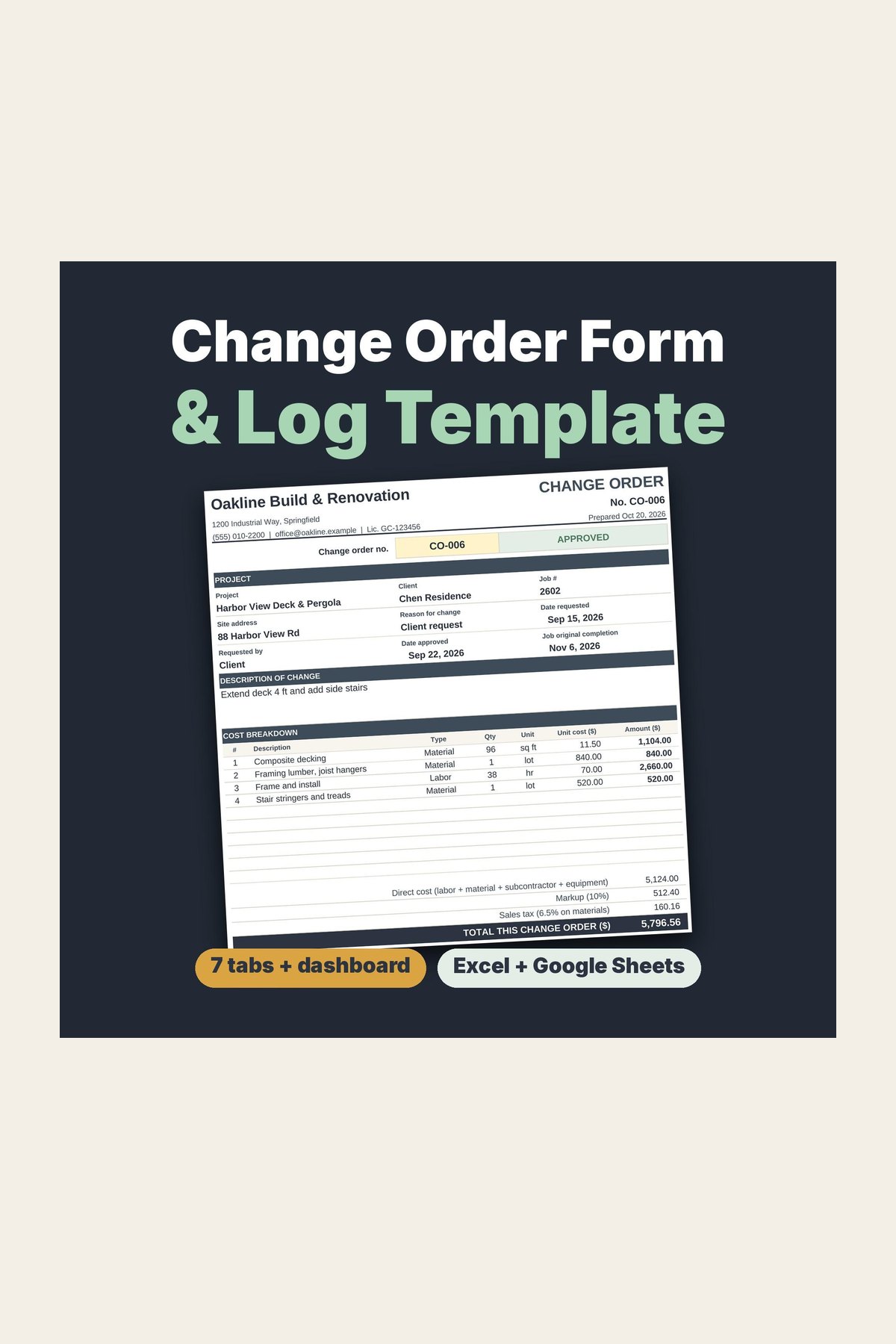
Construction Change Order Form & Log Template for Contractors and Remodelers
Get every extra signed before you build it.
See this file
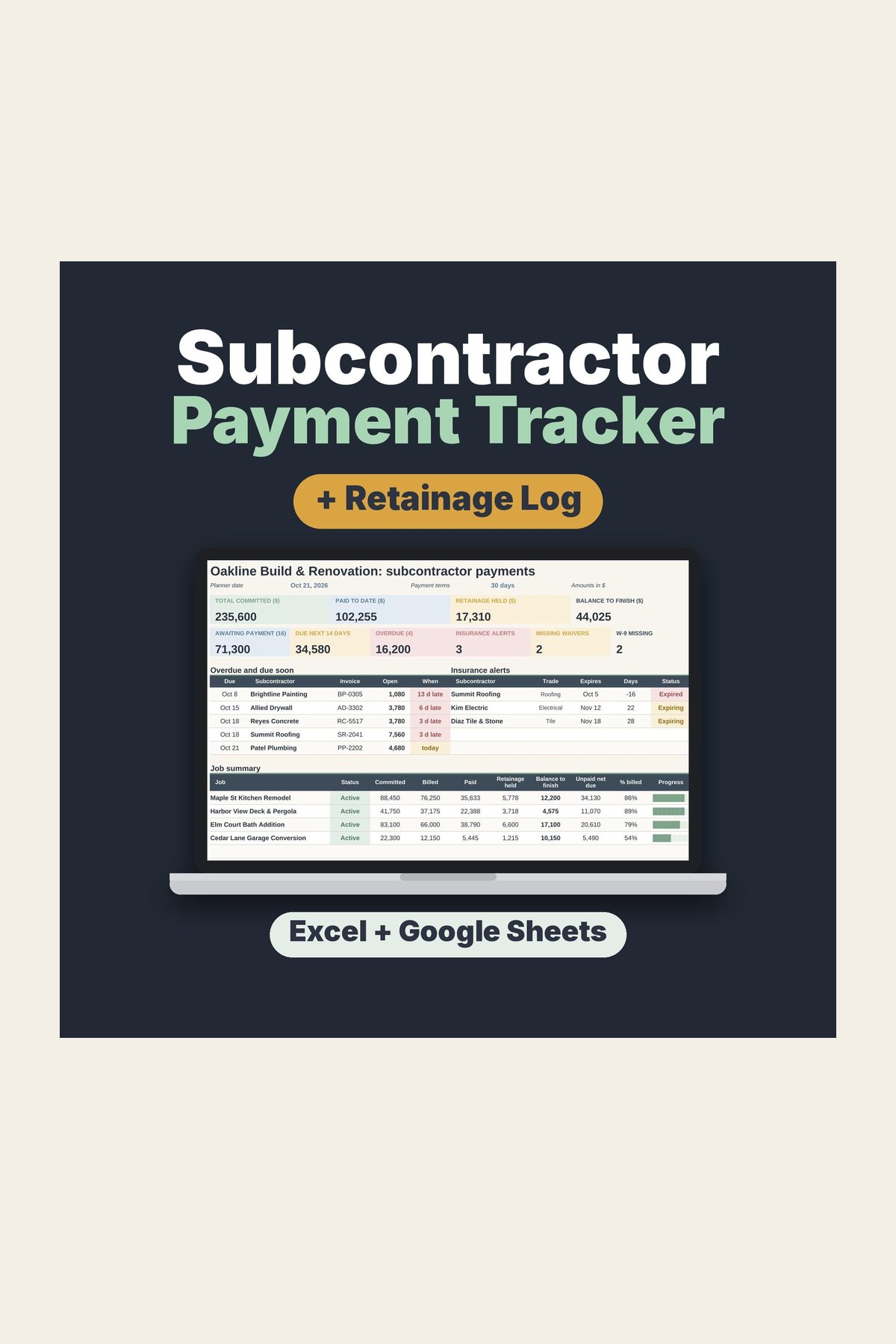
Subcontractor Payment Tracker Spreadsheet: Retainage Log & Lien Waiver Tracker
Know exactly what every sub is owed.
See this file
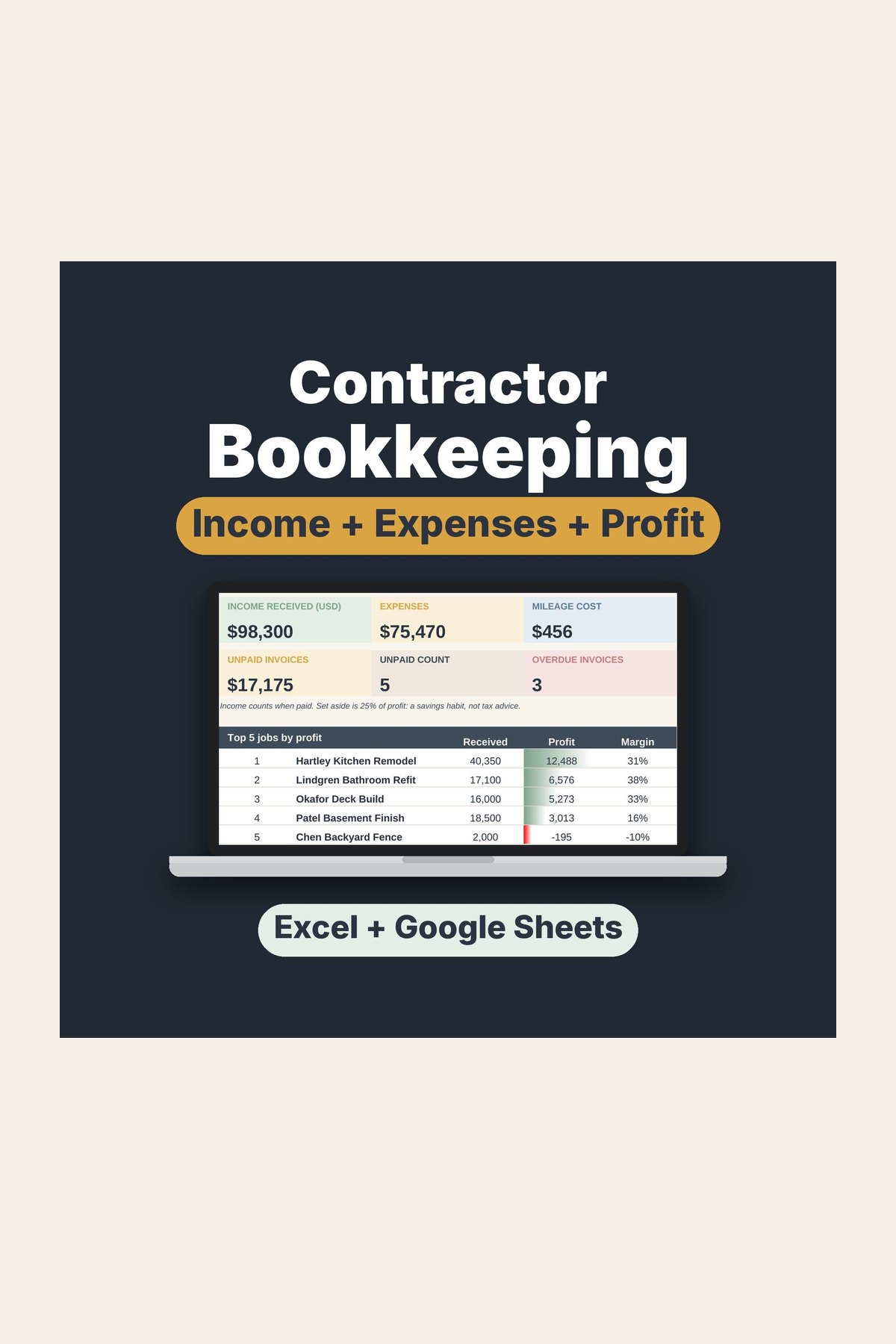
Contractor Bookkeeping Spreadsheet: Income, Expenses & Mileage Log
See what you earned, what you spent, and what is left.
See this file
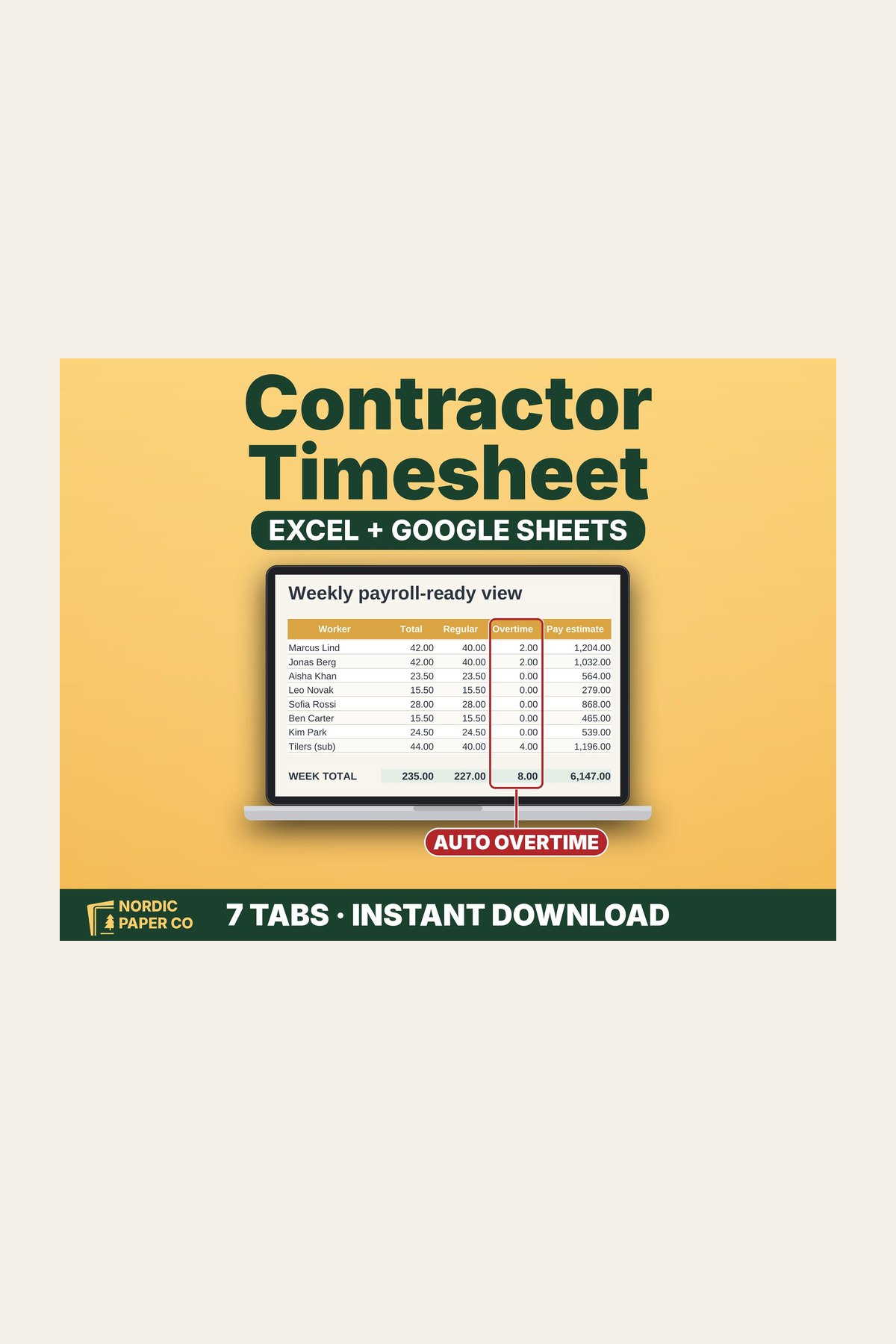
Contractor Timesheet Template: Weekly Hours, Overtime & Job Costing
See every worker's hours, overtime, and labor cost by job.
See this file